Skip to content
Autoberes
Product tour

The screens your hotel team uses every day.

Every image and video on this page comes from the Autoberes dashboard with sample hotel data. Pick a role to see the work done there.

Short dashboard tour

The video has no sound. The caption at the bottom explains each screen.

By role

Owners and general managers

AI status, the daily summary, revenue reports and team access.

Screens in this role
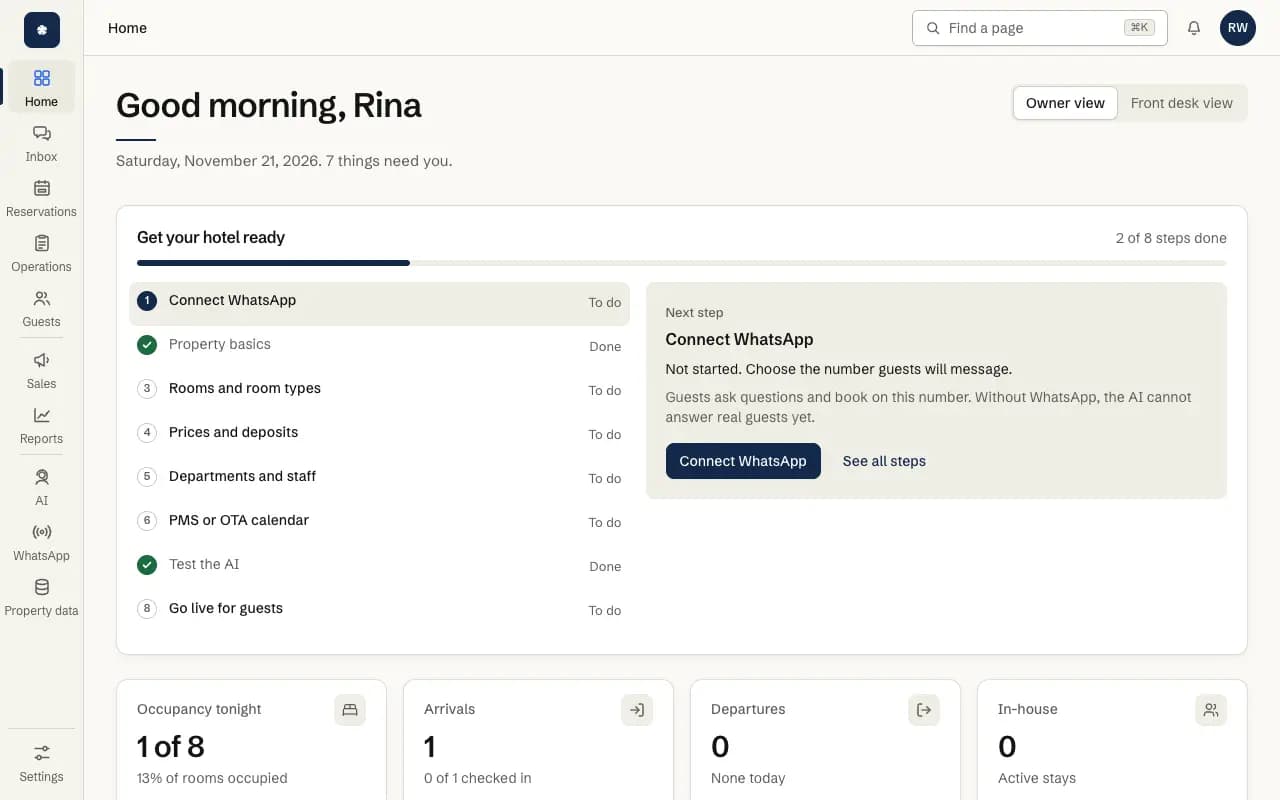
  • The home screen with the AI status, the pause AI button, and the Needs you list.
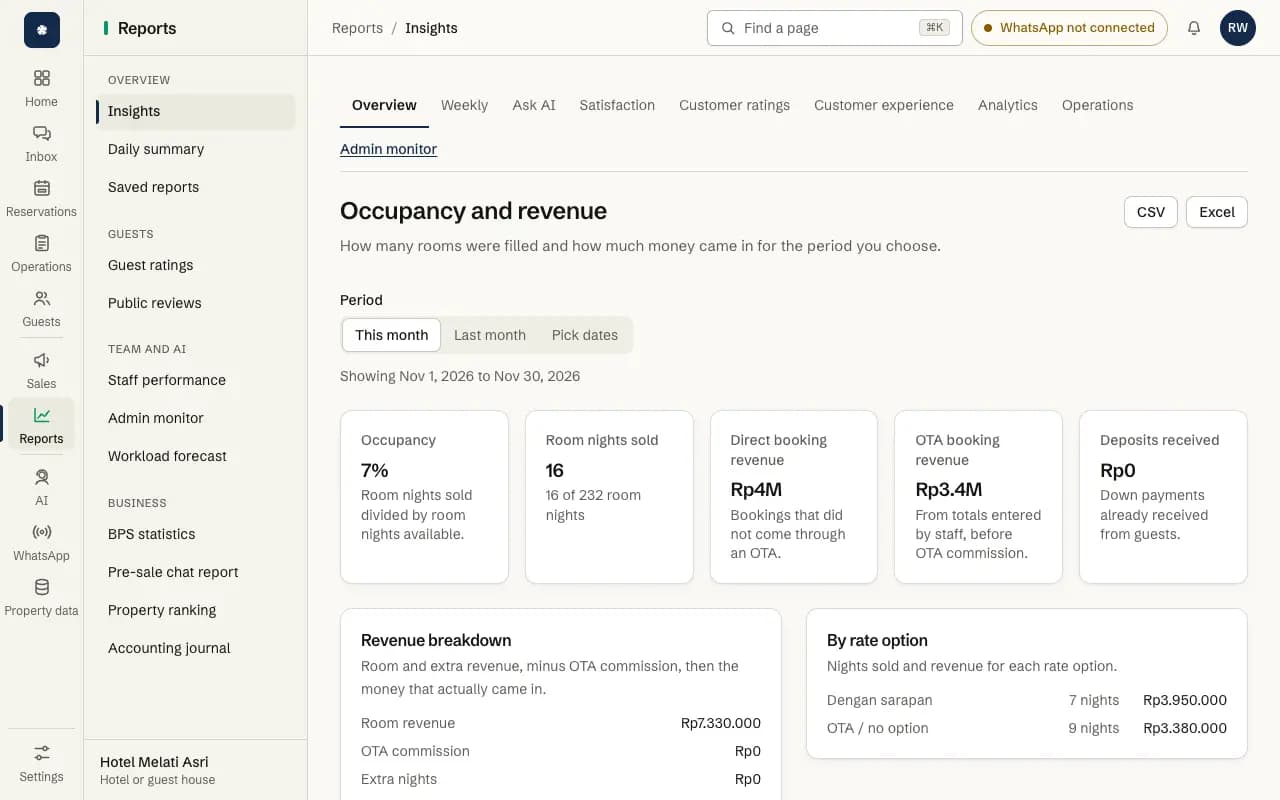
  • The Reports page on the Daily tab showing bookings, visits, deposits, and chats for Hotel Melati Asri.
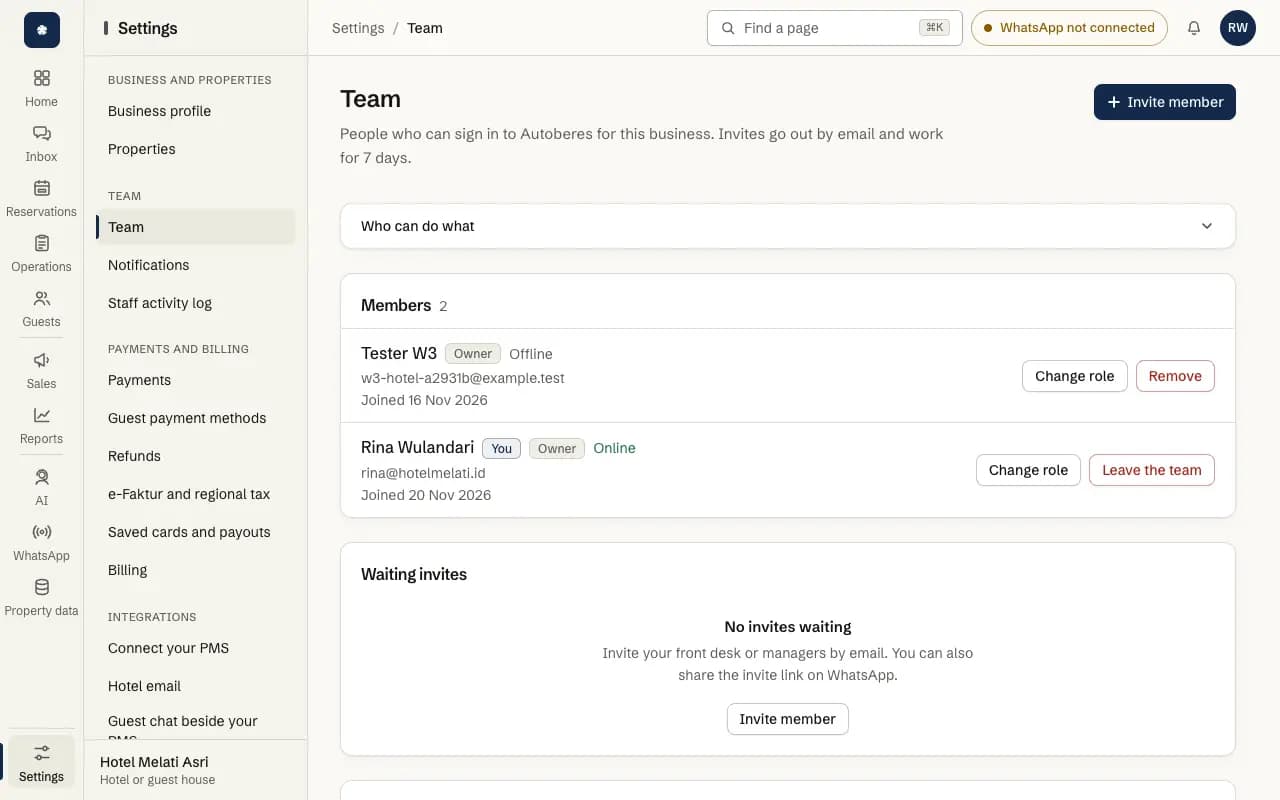
  • The Team page listing members with their roles and a button to invite new members.

Front desk and reservations

The guest chat inbox, room calendar, guest requests by department, foreign guests and complaints.

Screens in this role
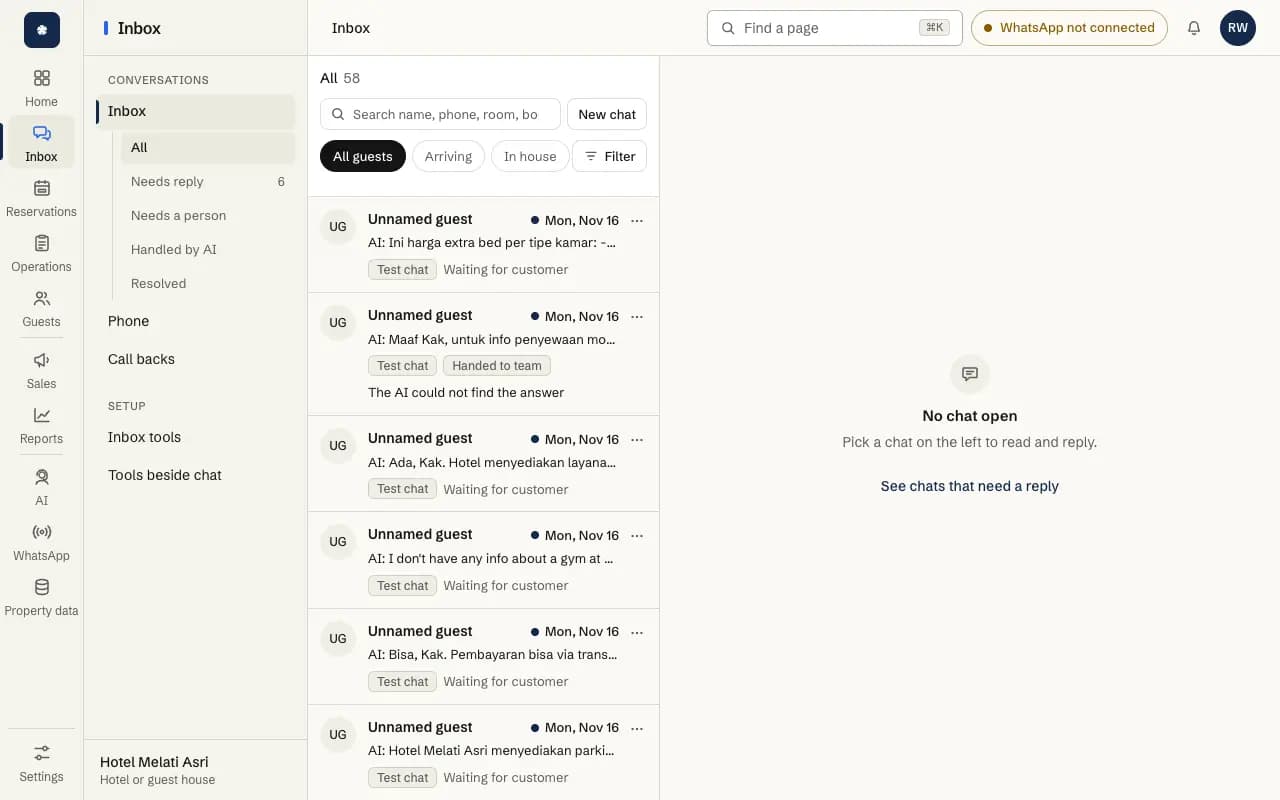
  • The Inbox listing guest chats from WhatsApp and Instagram, with an open conversation and the Return to AI button.
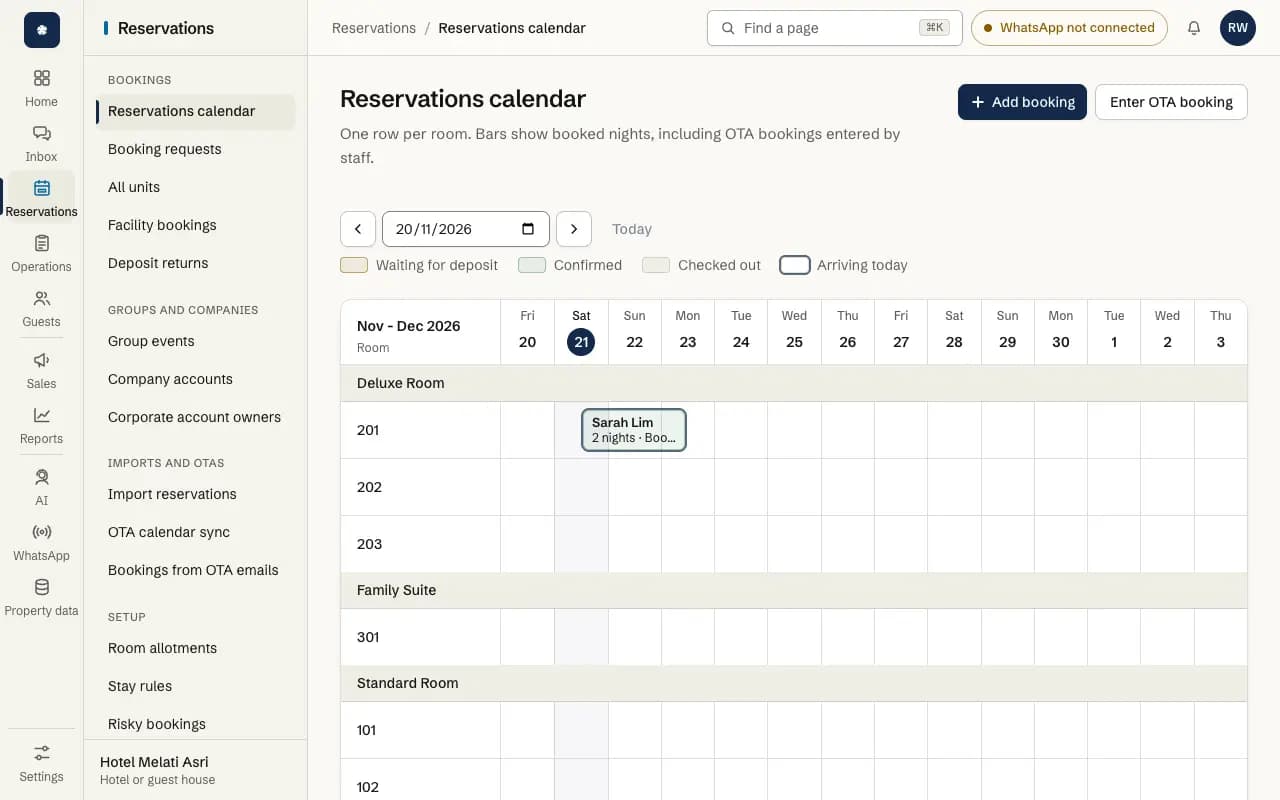
  • The room calendar showing bookings awaiting a deposit and bookings already paid.
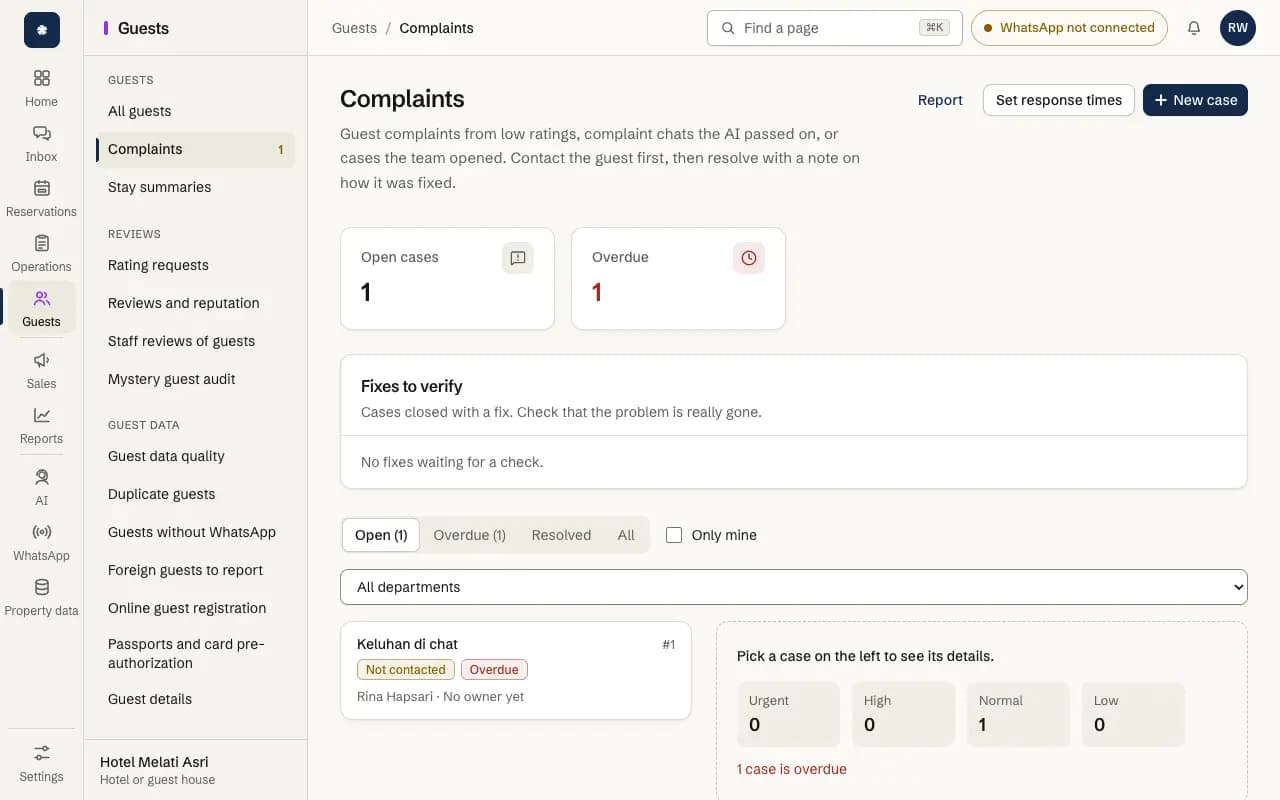
  • The Cases page listing guest complaints with priority, owner, deadline, and handling status.

Housekeeping and restaurant

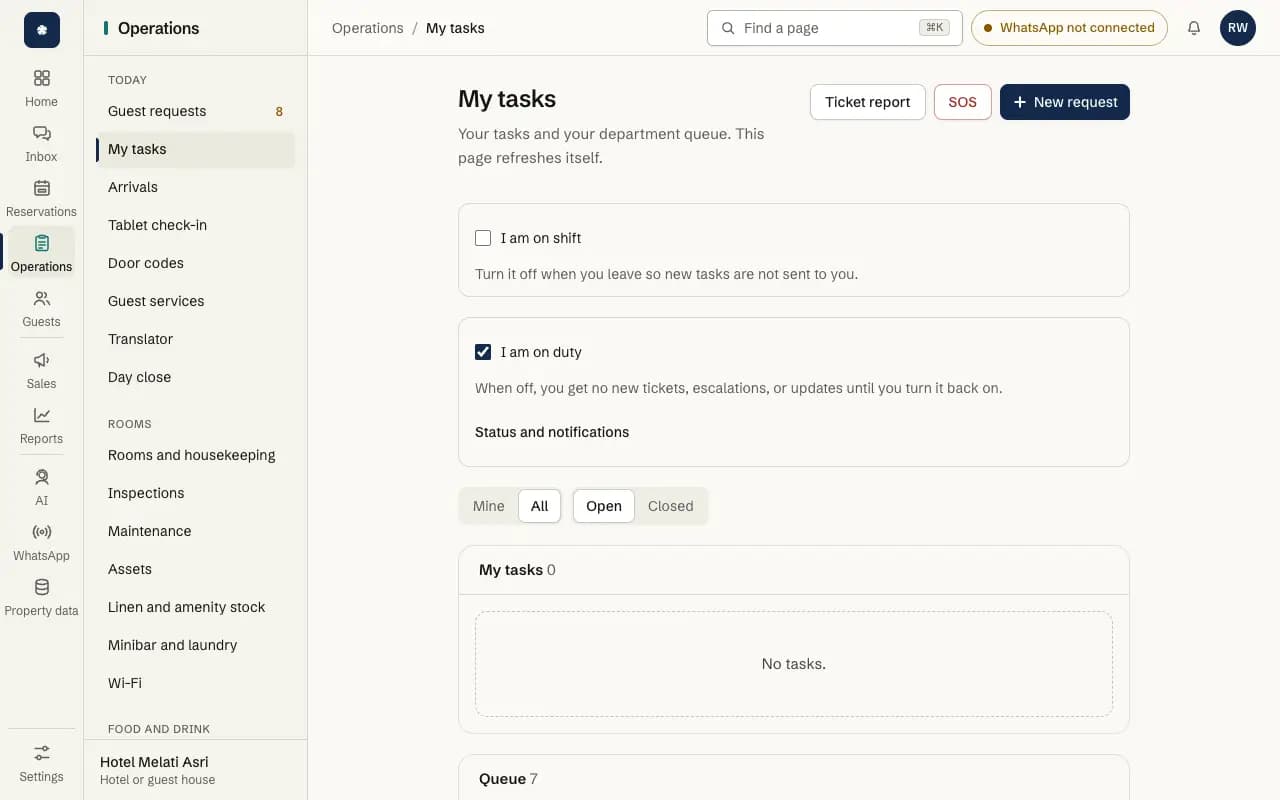
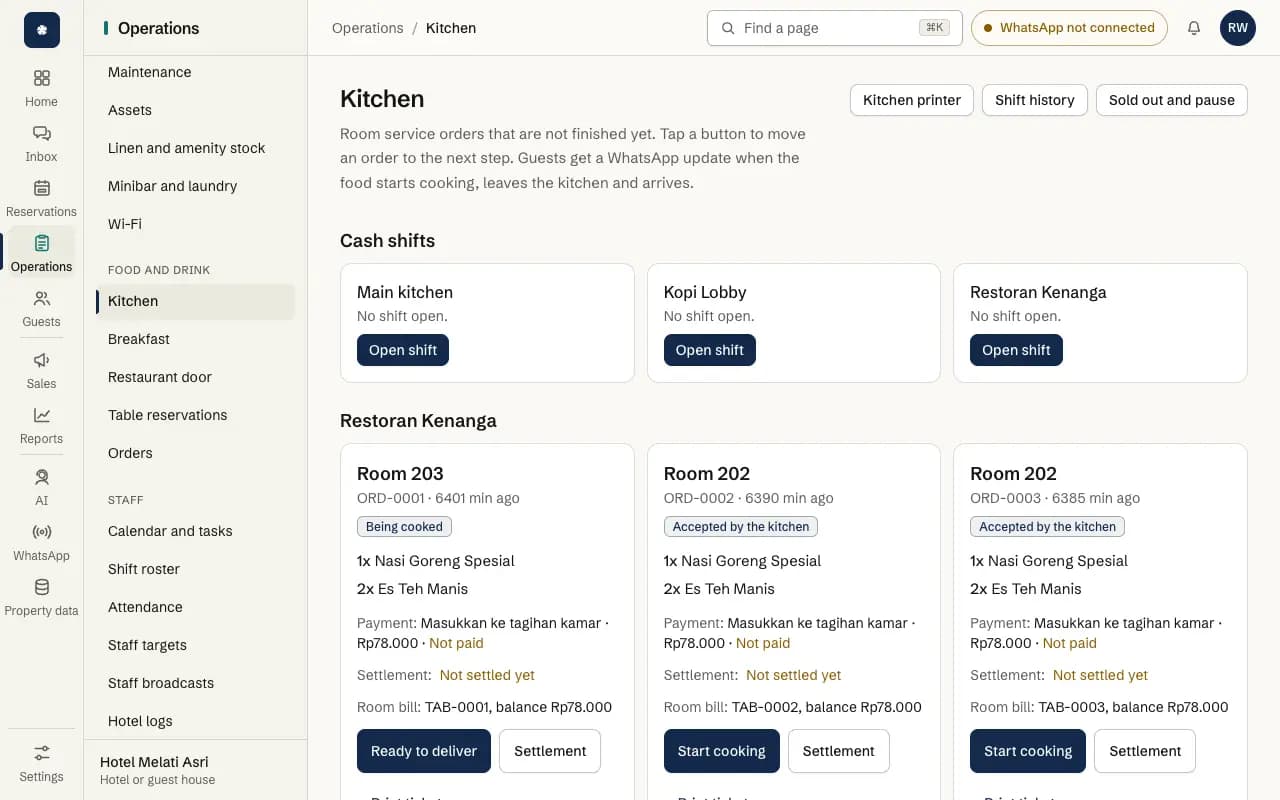
Room status, tasks from guest requests, kitchen orders and room service.

Screens in this role
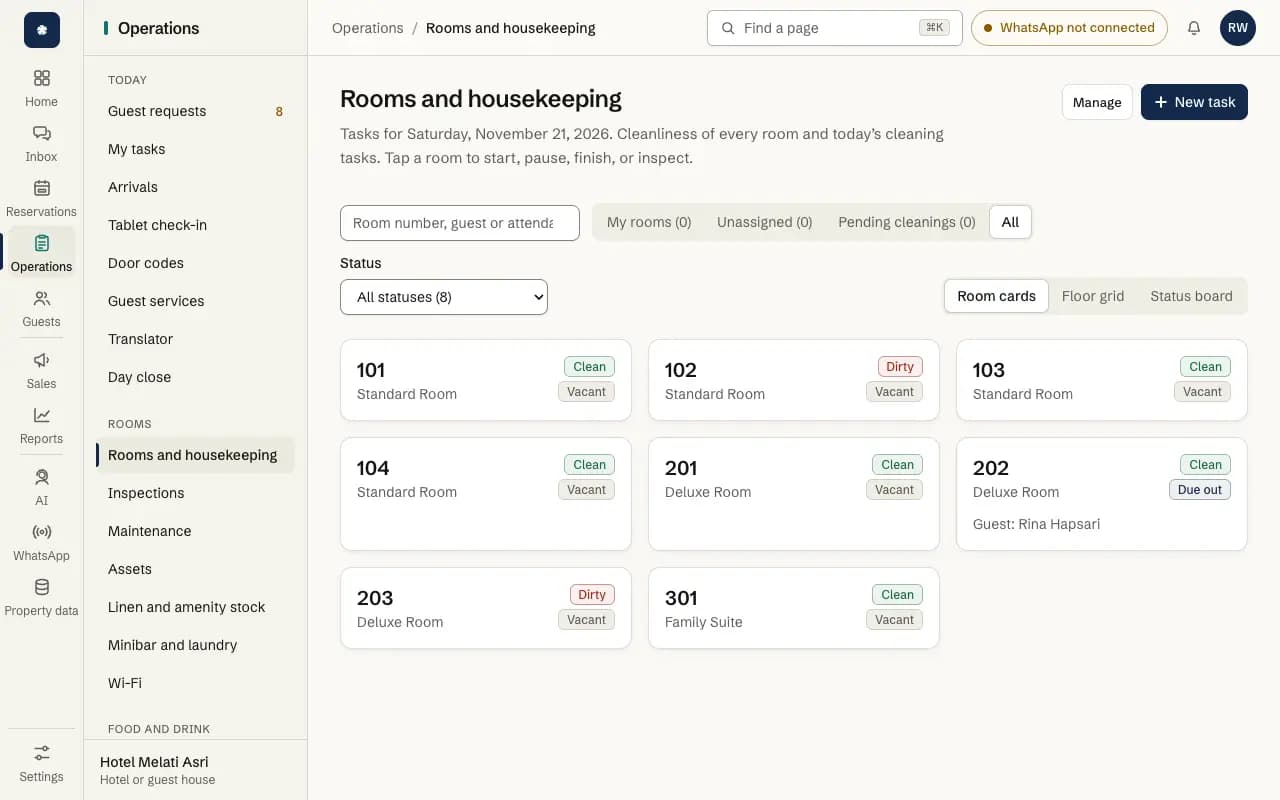
  • The housekeeping board with rooms marked Green choice that are skipped for cleaning today.
  • The Tasks page listing staff tasks with Take, Start and Done buttons.
  • The Kitchen board showing room service orders by stage from received to delivered.

Try it with your hotel data

Sign up free, add rooms and rates, then test the AI on WhatsApp before real guests arrive.

Try freeRead the guide per role